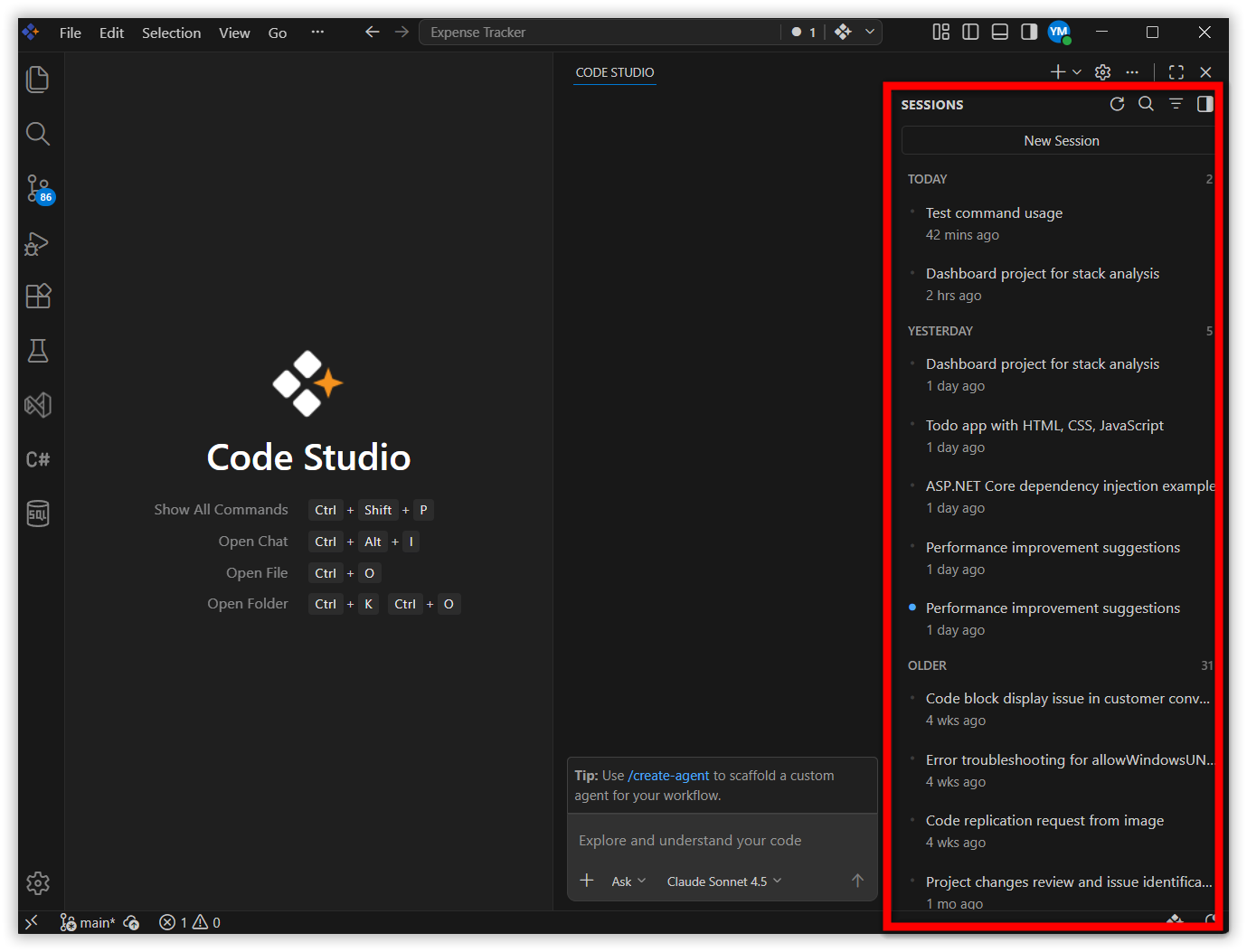
This guide explains how to view and manage session history after upgrading to BoldCreate v2.0.0+.
Problem Summary
After upgrading to BoldCreate v2.0.0+, chat sessions from earlier versions (before v2.0.0) may not appear in the session history.
Note: Session history created prior to v2.0.0 cannot be migrated to the BoldCreate v2.0.0+ session history. Refer to the v2.0.0 release notes for migration details.
Accessing Session History
The Chat view provides a unified view to manage all your agent sessions, regardless of where they run. By default, it shows your recent sessions along with information about their status, type, and file changes. Expand the list to view and filter all your agent sessions.
The sessions list is scoped to your current workspace. If no workspace is open, the list shows sessions across all your workspaces. Sessions are grouped by time period — for example, Today or Last Week.
Sessions List Views
The Chat view operates in two display modes: Compact and Side-by-side. Use the toggle control in the top-right corner of the Chat view to switch between them.
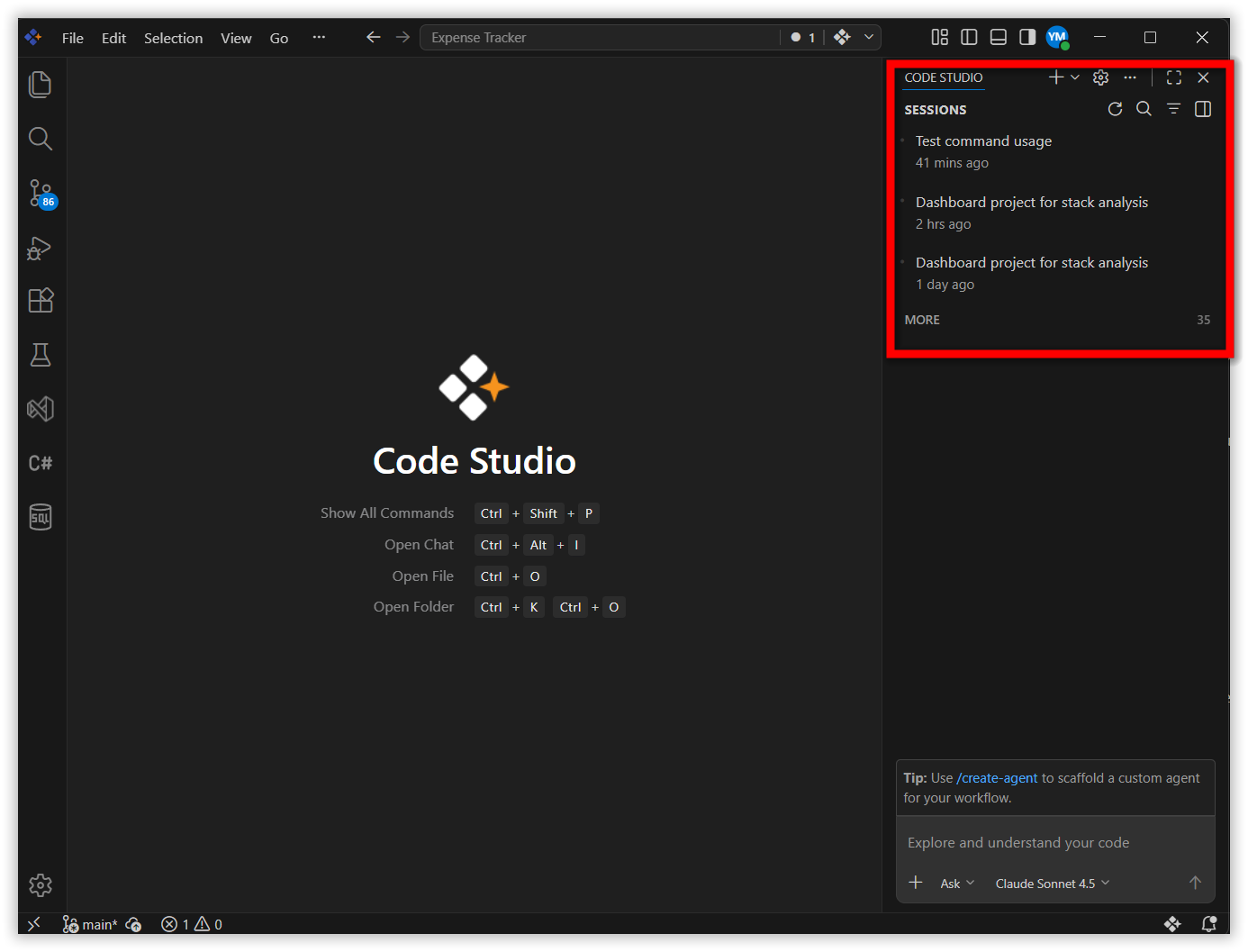
Compact
The sessions list is embedded within the Chat view. Selecting a session switches the Chat view to that session. Use the back button to return to the sessions list.
Side-by-side
The sessions list is displayed alongside the Chat view. To enable this mode:
- Click the Show Agents Session Sidebar button.
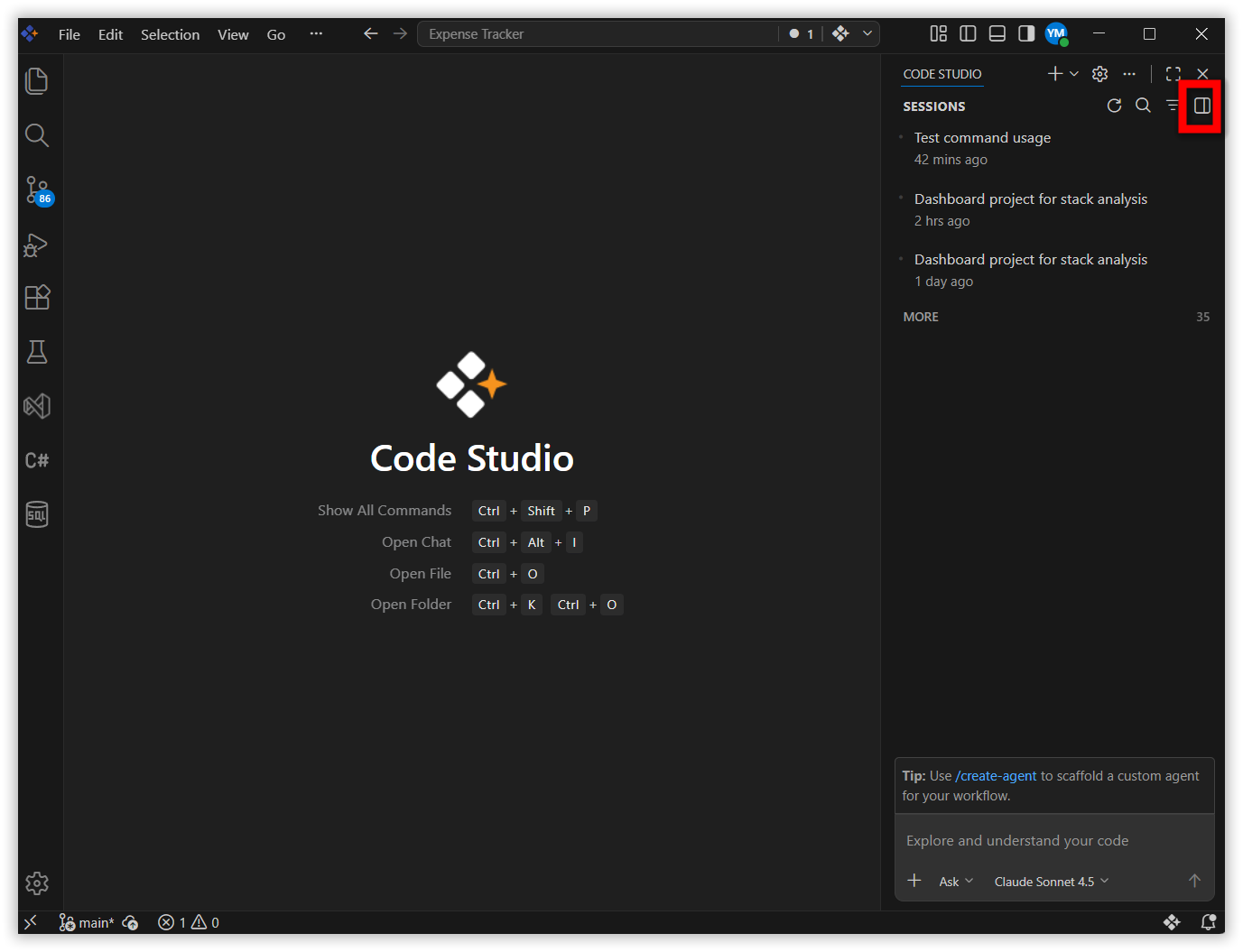
- The sessions list appears side-by-side with the Chat view. Select any session from the list to view its full conversation details.