
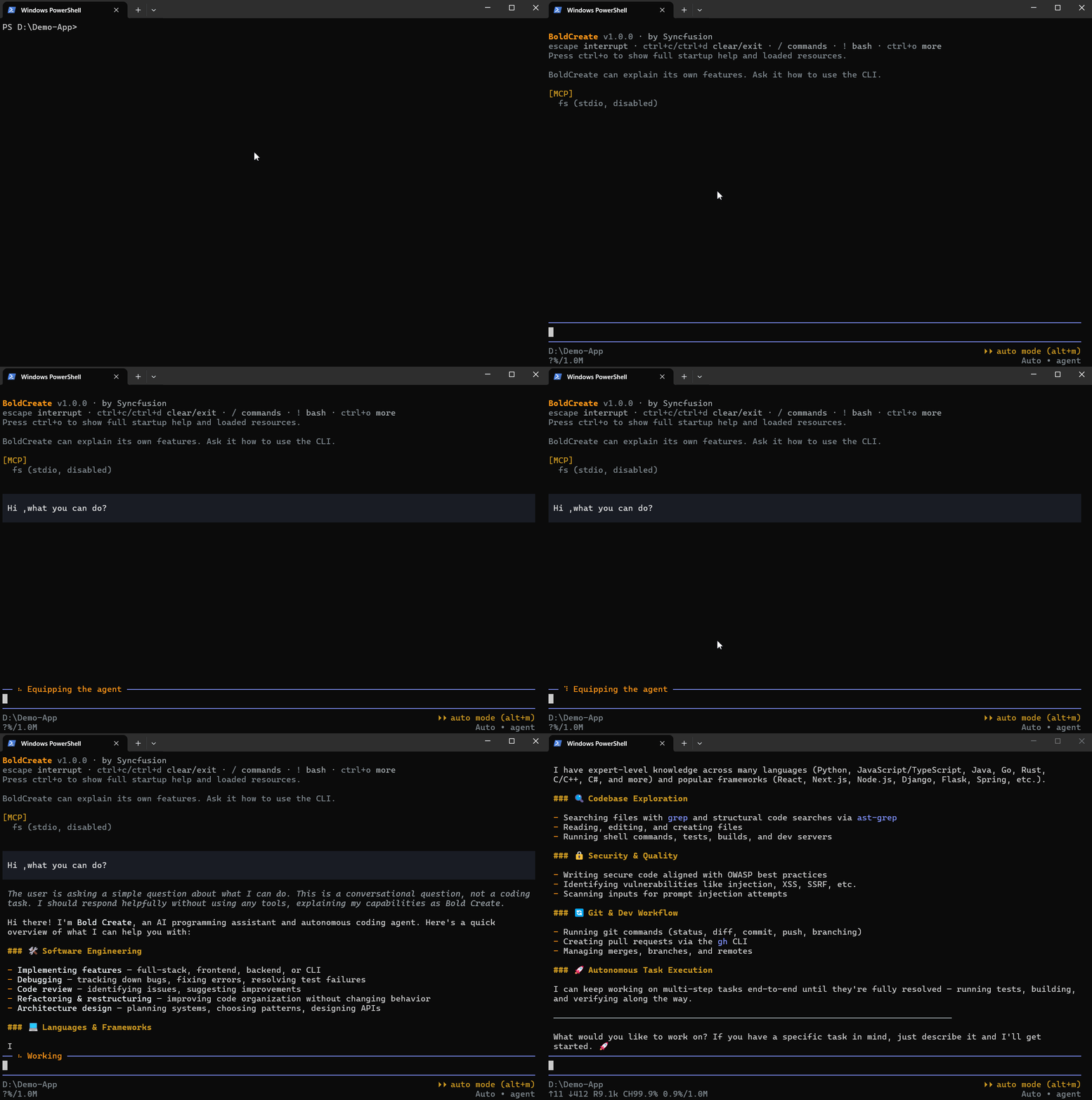
BoldCreate CLI (boldcreate) is a coding agent you run in a terminal. Point it at a folder, describe a task, and the agent reads your code, edits files, and runs commands to get the work done. You can watch each step and stop it at any time.
The agent runs on your machine: its tools, your files, and your session history stay local. Model calls are sent to the Syncfusion LLM gateway, signed in as you or using your organization’s API key.
What you can do
- Start an interactive coding session in a project folder.
- Ask the agent to inspect, explain, or change project files.
- Choose an agent, model, and reasoning effort for a task.
- Review changes, approve actions, and resume saved sessions.
- Automate one-off requests with print mode.
Where to go next
- Install BoldCreate CLI, then sign in.
- Follow the Quickstart to try your first chat.
- Explore Interactive chat and Print mode and automation.