Overview
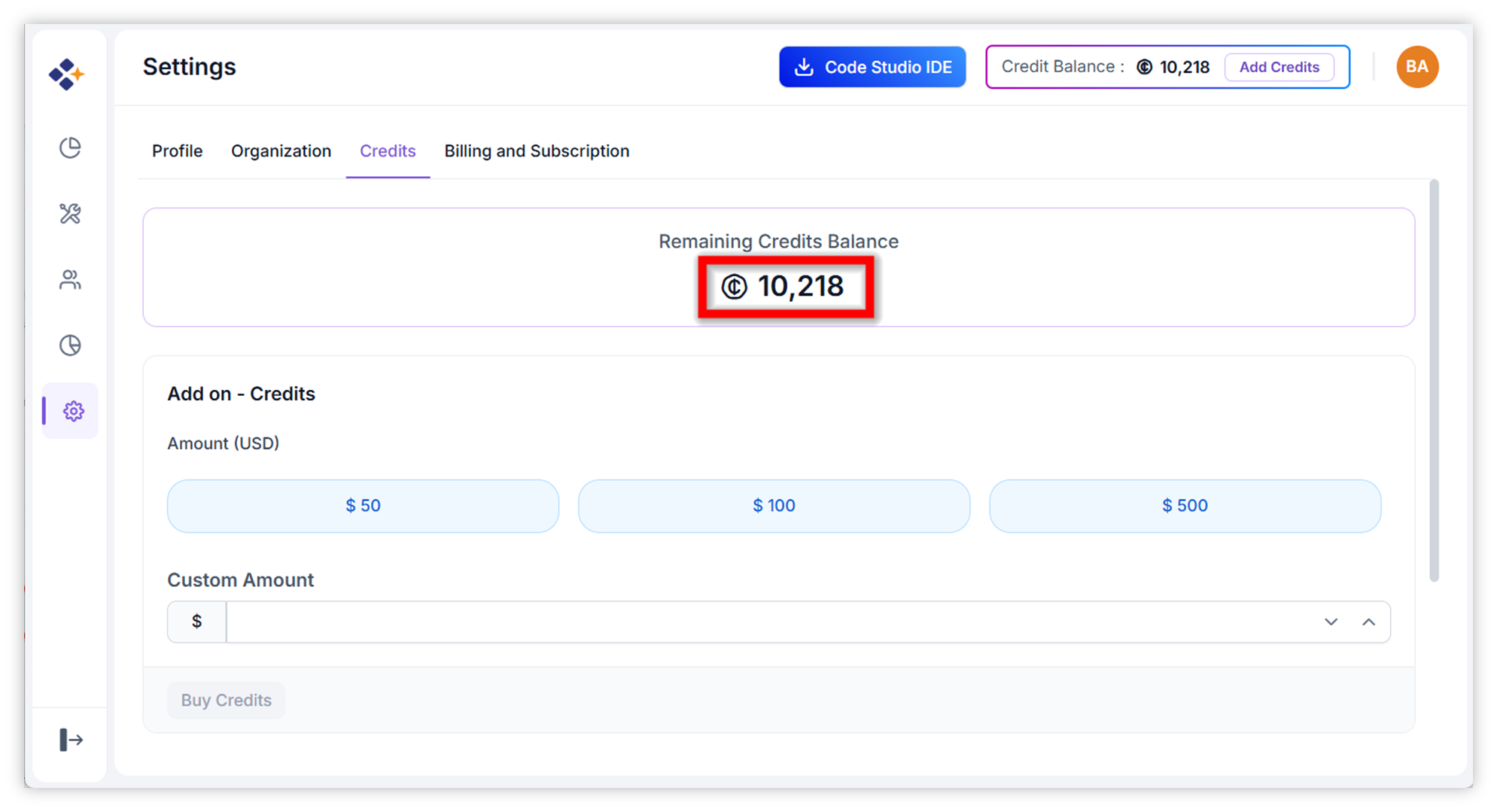
Credits in BoldCreate Enterprise are add-on units that fund AI model usage across your organization. They provide flexibility beyond the standard subscription plans, allowing you to scale your AI-powered coding operations as needed. Once purchased, credits are immediately applied to your account after successful payment.
When to Use
Purchase additional credits when:
- Your organization’s monthly AI usage has exceeded the credits included in your current subscription plan
- You want to avoid any interruption in AI model access during peak development periods
- Your current credit balance is running low and you want to top it up quickly
Prerequisites
- Admin access: Only administrators are authorized to buy credits.
- Valid payment method: Ensure a valid payment method is available in your account.
Steps to Buy Credits
-
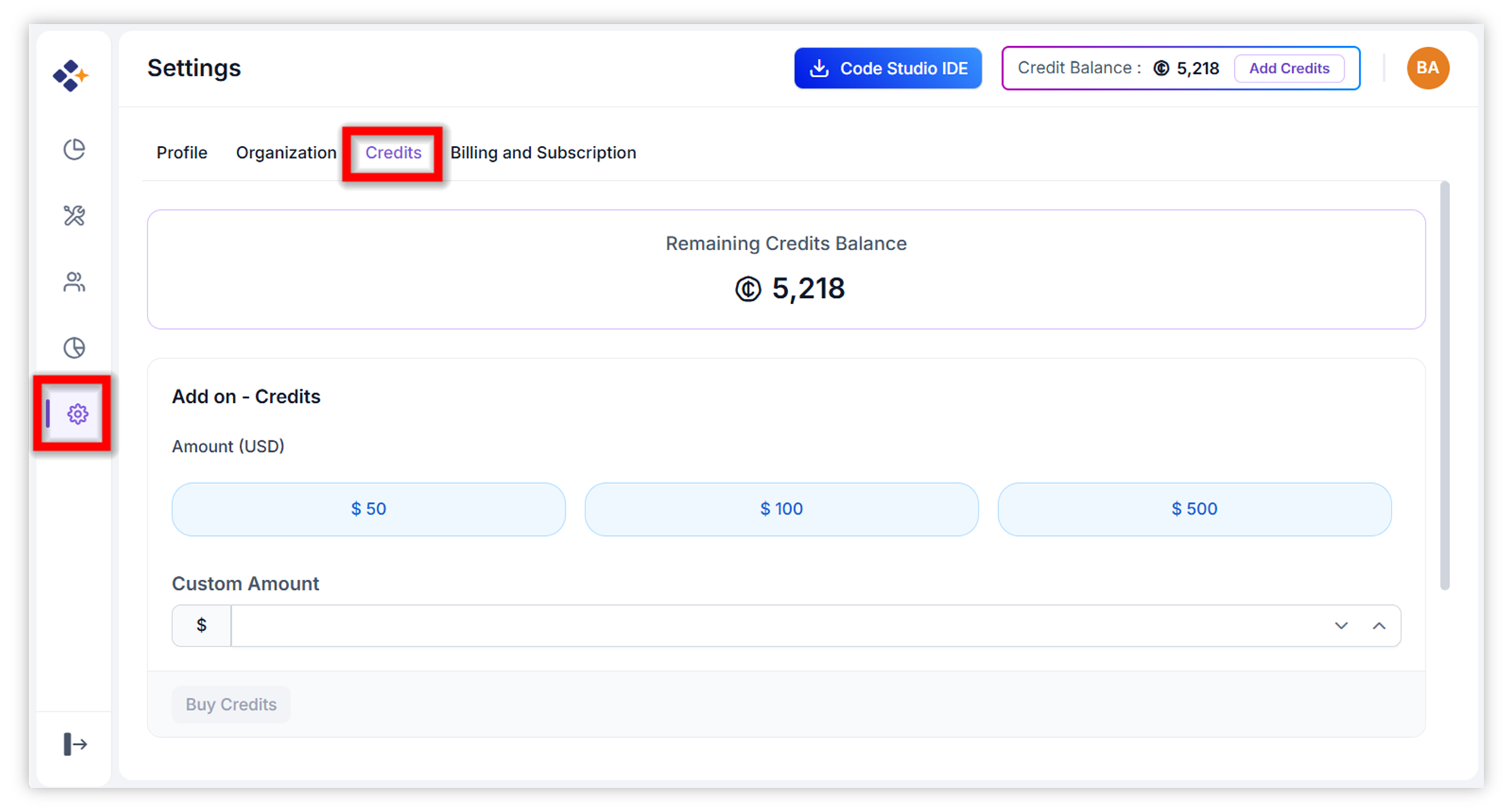
Navigate to the Credits Tab: From the BoldCreate dashboard, click on “Settings” in the left sidebar, then select the “Credits” tab.
-
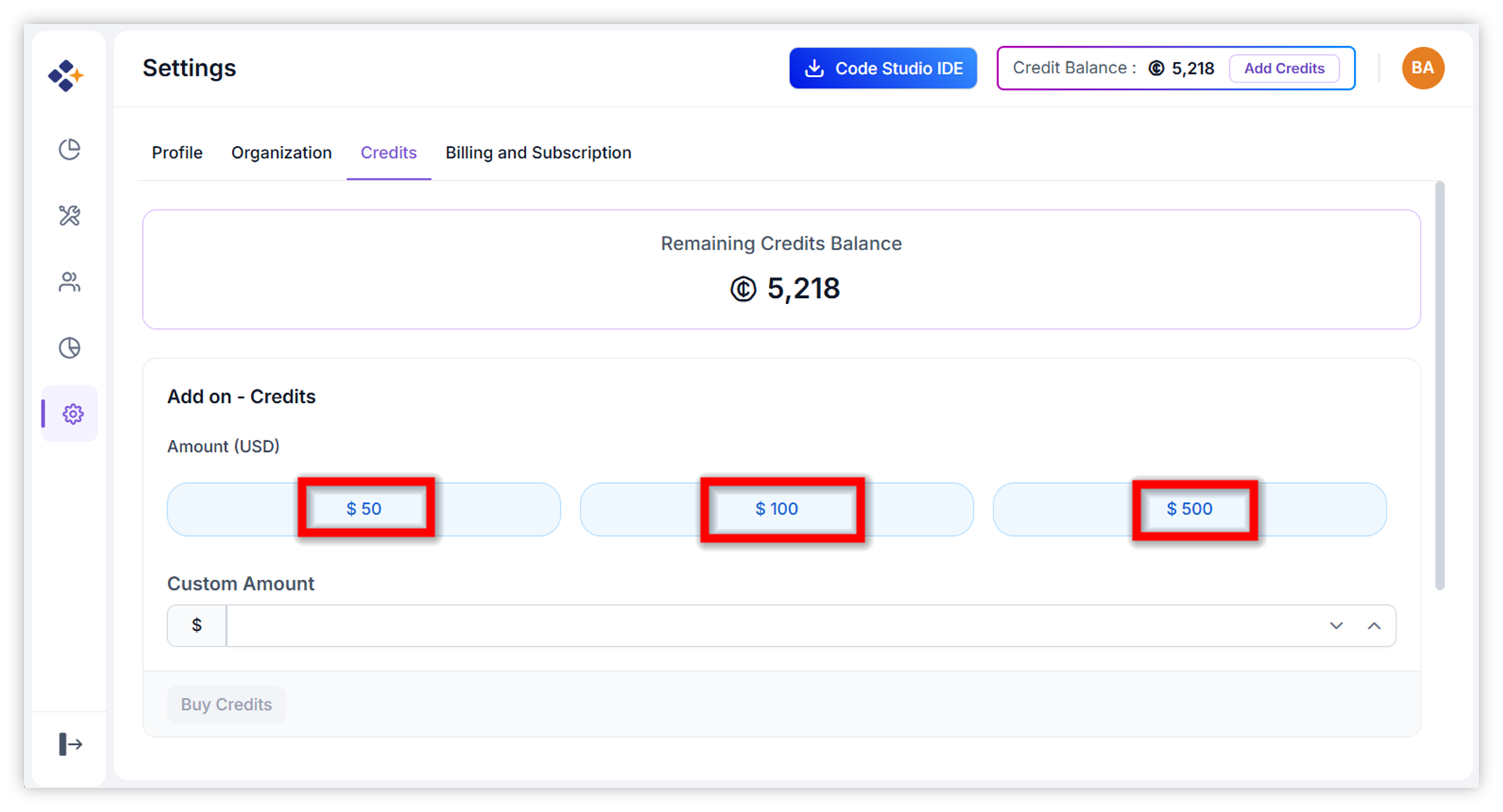
Choose Purchase Amount: Select a preset amount ($50, $100, or $500) or enter a custom dollar value in the provided field.
-
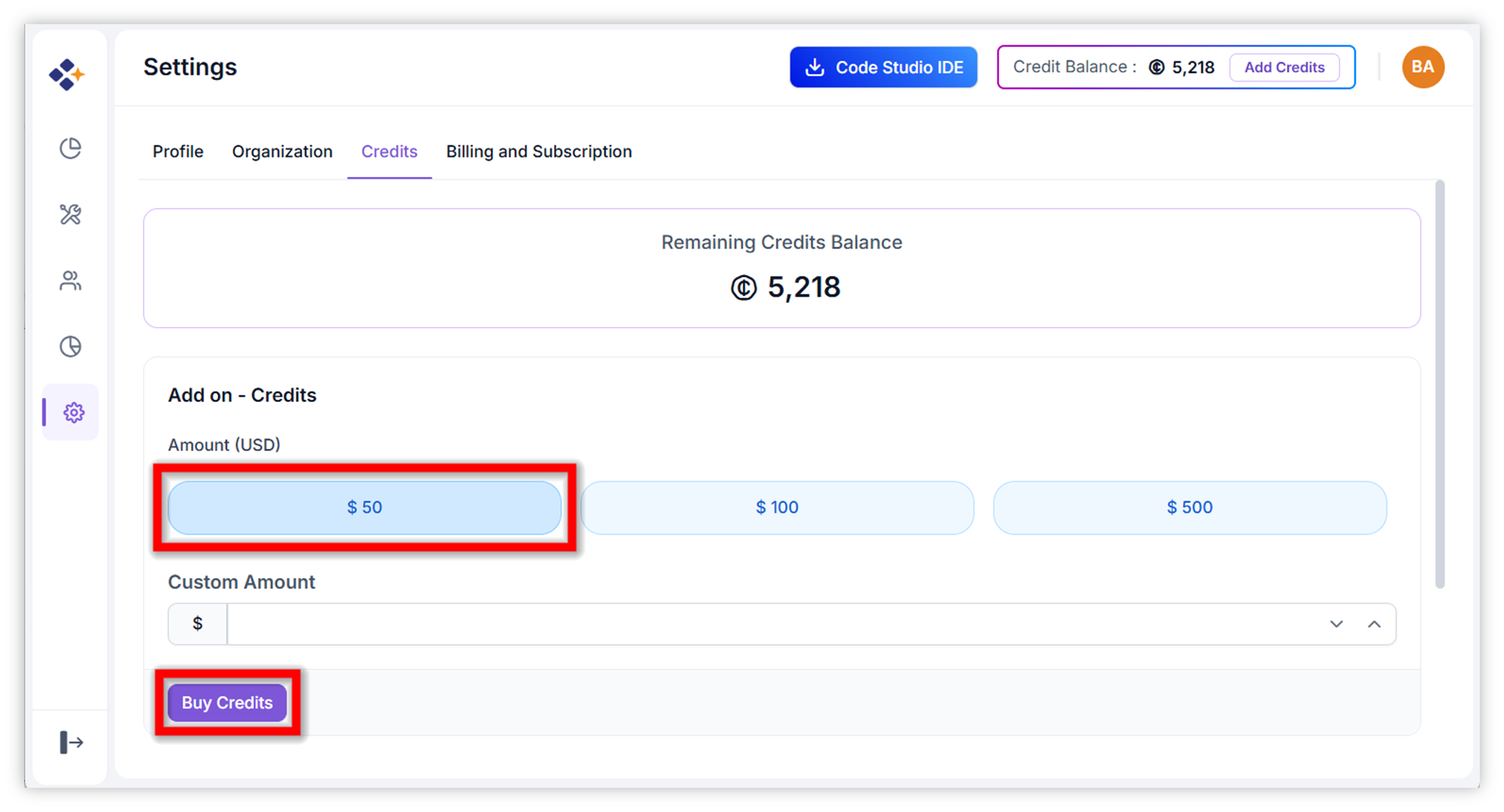
Initiate Purchase: Click the Buy credits button to be redirected to the secure payment page.
-
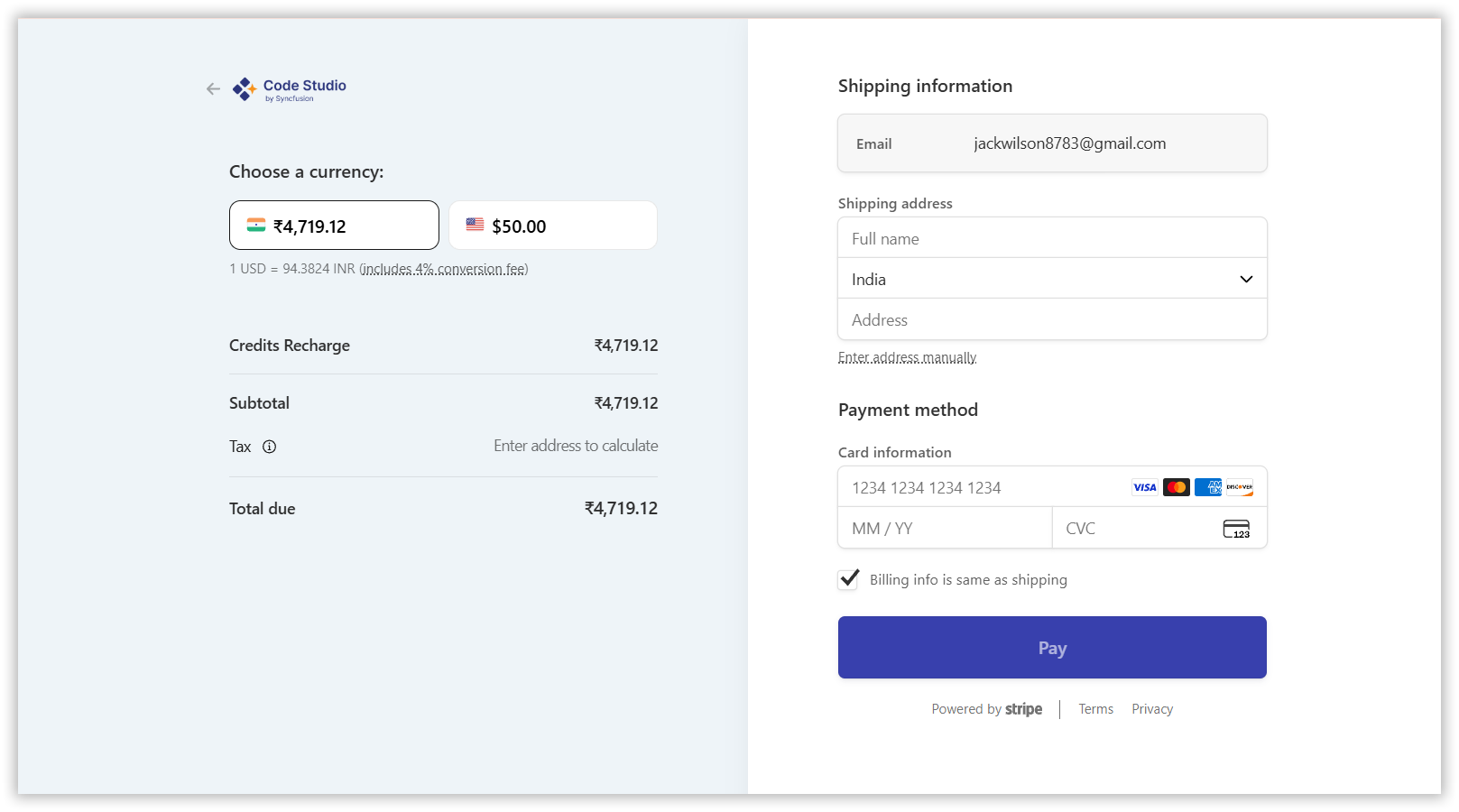
Complete Checkout: Enter or confirm your payment details and finalize the transaction.
-
Verify Application: After successful payment, the new credits will be automatically added to your organization’s balance. Refresh the page if needed to see the updated total.