
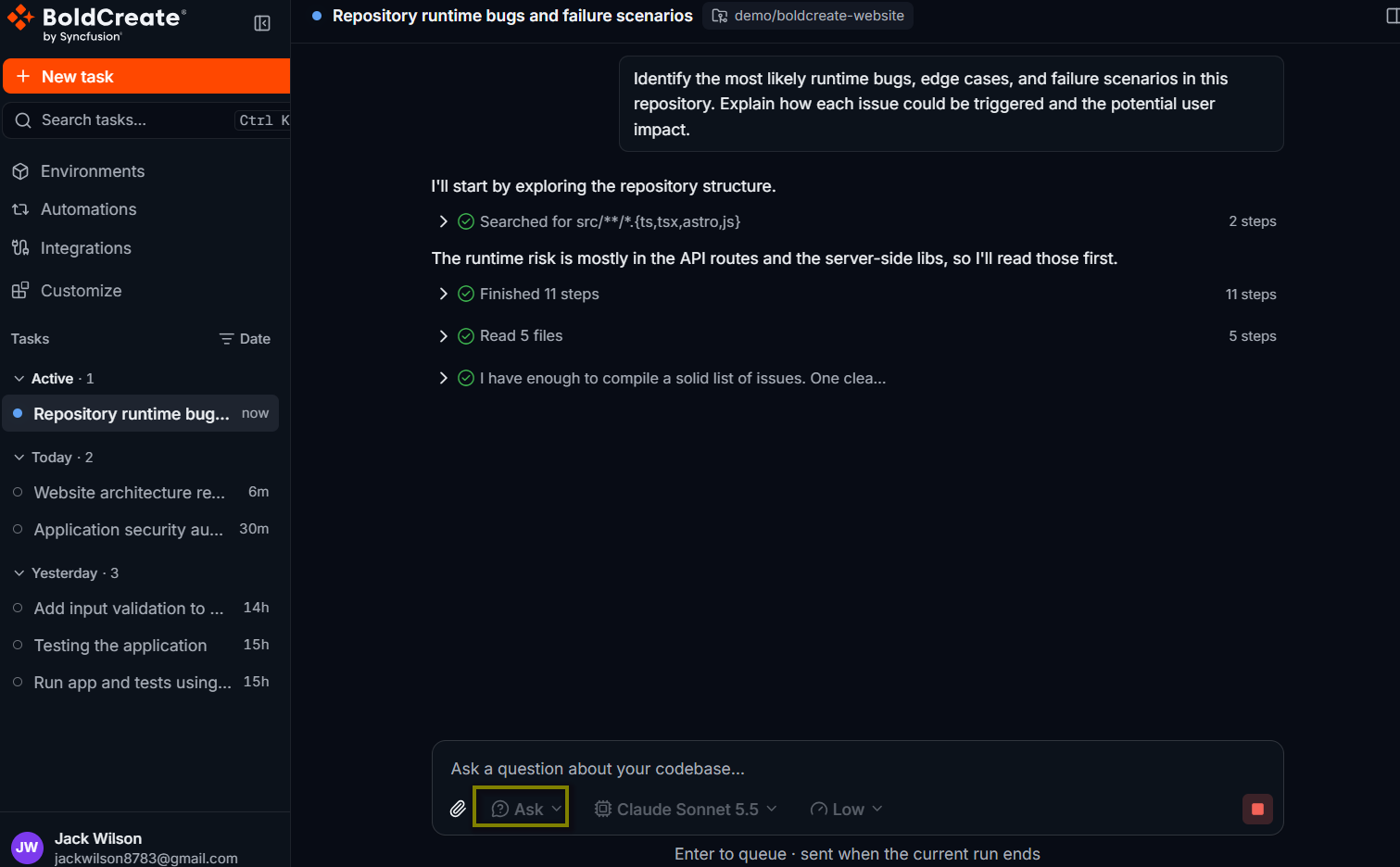
Ask is the built-in agent for questions. It is described in the product as “Answer questions about your codebase without making any changes”. It reads and searches your code and answers with explanations that point to specific files and lines. It never edits files, runs commands, or pushes anything, so it is safe to use on any repository. To use it, select the agent picker below the prompt box and choose Ask under Built-in. The prompt box shows Ask a question about your codebase….
Use cases
- Understand how a feature works before you change it.
- Find where a behavior, setting, or error message comes from.
- Onboard to a new repository.
- Find the likely cause of a bug before you fix it.
- Compare approaches and get suggestions without code changes.
What Ask can and can’t do
| Ask can | Ask can’t |
|---|---|
| List folders and read files | Create, edit, or delete files |
| Search the code by file name or text | Run commands, builds, or tests |
| Explain code, architecture, and behavior | Commit, push, or open pull requests |
| Cite file paths and line numbers | Hand work to helper agents |
| Suggest solutions without applying them |
Because Ask can’t run commands, it answers from the code itself. For questions that need a build or test run, such as “Do the tests pass?”, use Agent.
Ask a question
-
Start a new thread and pick a repository and branch, or open an existing thread.
-
Select the agent picker and choose Ask.
-
Type your question and press Enter.
How does the app decide which users can see the admin page? List the
files and functions involved, in the order they run.
Result
The agent reads the relevant files and answers in the thread. Check the files it cites. If you want more detail, ask a follow-up question in the same thread.
Example questions
Give me an overview of this repository: the main folders, how the app
starts, and how to run the tests.
Where is the "Payment declined" error message created, and which code
paths can lead to it?Explain what happens, step by step, when a user submits the signup form.What would break if I renamed the `customerId` field on the Order model?
List every place that reads or writes it.Move from Ask to Plan or Agent
Ask works well as the first step in a thread. When you understand the code, switch agents in the same thread. The next agent sees the full conversation, including the answer from Ask.
-
Select the agent picker and choose Plan to agree on an approach, or Agent to make the change.
-
Refer to the earlier answer in your prompt, for example:
Based on the explanation above, add a check so only admins can open the
reports page. Add a test for a non-admin user.
Best practices
- Ask specific questions: name the feature, file, route, or error you care about.
- Ask for file references: they make the answer easy to check.
- Use Ask before Agent on unfamiliar code, so you can judge the agent’s later changes.
- Keep the thread: follow-up questions and the later switch to Agent reuse the context.